People have been asking about Claude as more AI tools and model choices become available. Claude is a family of AI models developed by Anthropic, another model option that can help with writing, research, analysis, summarizing information, and developing content.
Claude is now available as a model option for university of Iowa faculty and staff who have a Microsoft 365 Copilot license. This is different from Copilot Chat, which is available to UI faculty, staff, and students at no additional cost. Microsoft 365 Copilot is the paid, elevated license available to faculty and staff and includes Copilot experiences inside Microsoft 365 apps.
If you have the elevated Microsoft 365 Copilot license, you may see Claude in supported Copilot experiences such as Researcher, Excel, and PowerPoint. In some places, Claude may appear in the model picker with names that include “Opus.” You do not need to know the technical meaning of each model name to use it. If Claude is available in the experience you are using, you can select it when you want to try another model option.
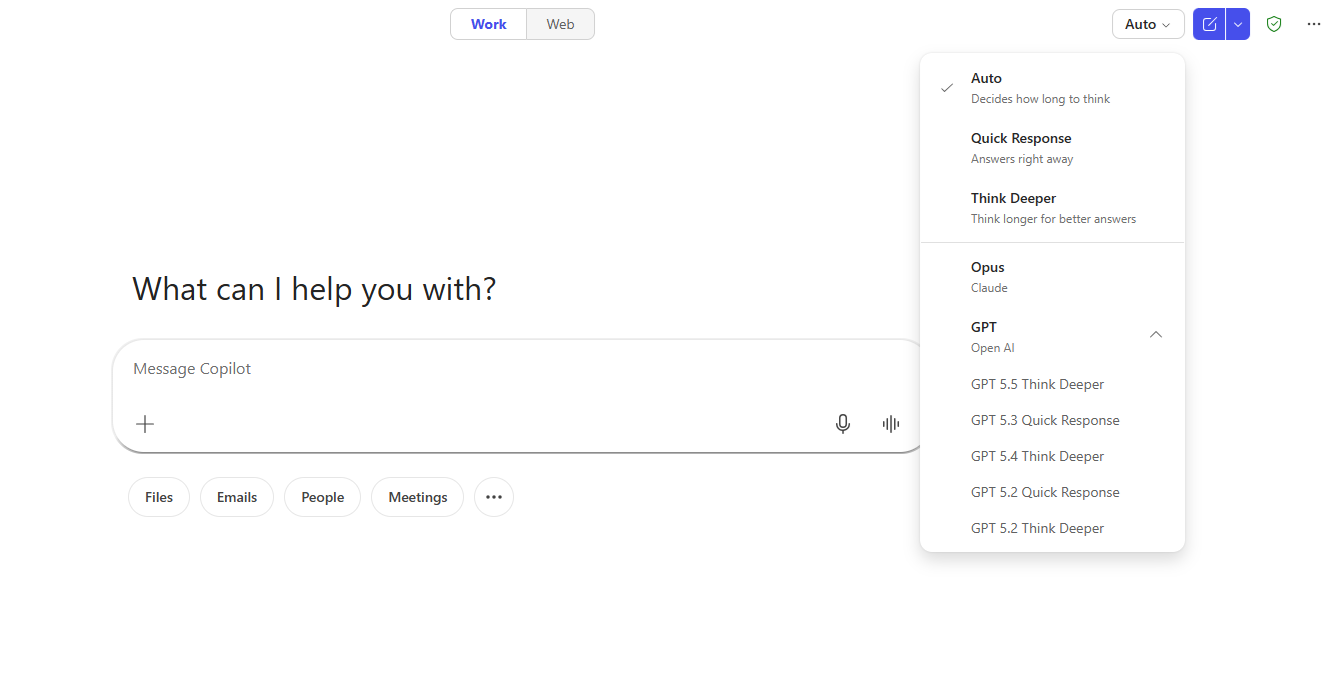
Claude is available as part of Microsoft 365 Copilot. It is not a separate Claude website to use for university work, a separate Claude subscription to request, or an add-in to install. It is also separate from the Iowa AI Gateway, which is a different multi-model workspace.
For most everyday work, Auto is still a good default. You do not need to choose a model every time you use Copilot, and you do not need to understand the technical differences between GPT and Claude to get value from it. In many cases, you can ask your question, review the result, and move on.
Claude may be useful when you want another version of the same work or when you want to compare how different models respond to the same prompt. For example, you might try Claude when you are revising a paragraph, organizing notes, summarizing a longer file, working through something in Excel, or developing content for a presentation. One model may give you a cleaner structure, while another may use language that fits your audience better.
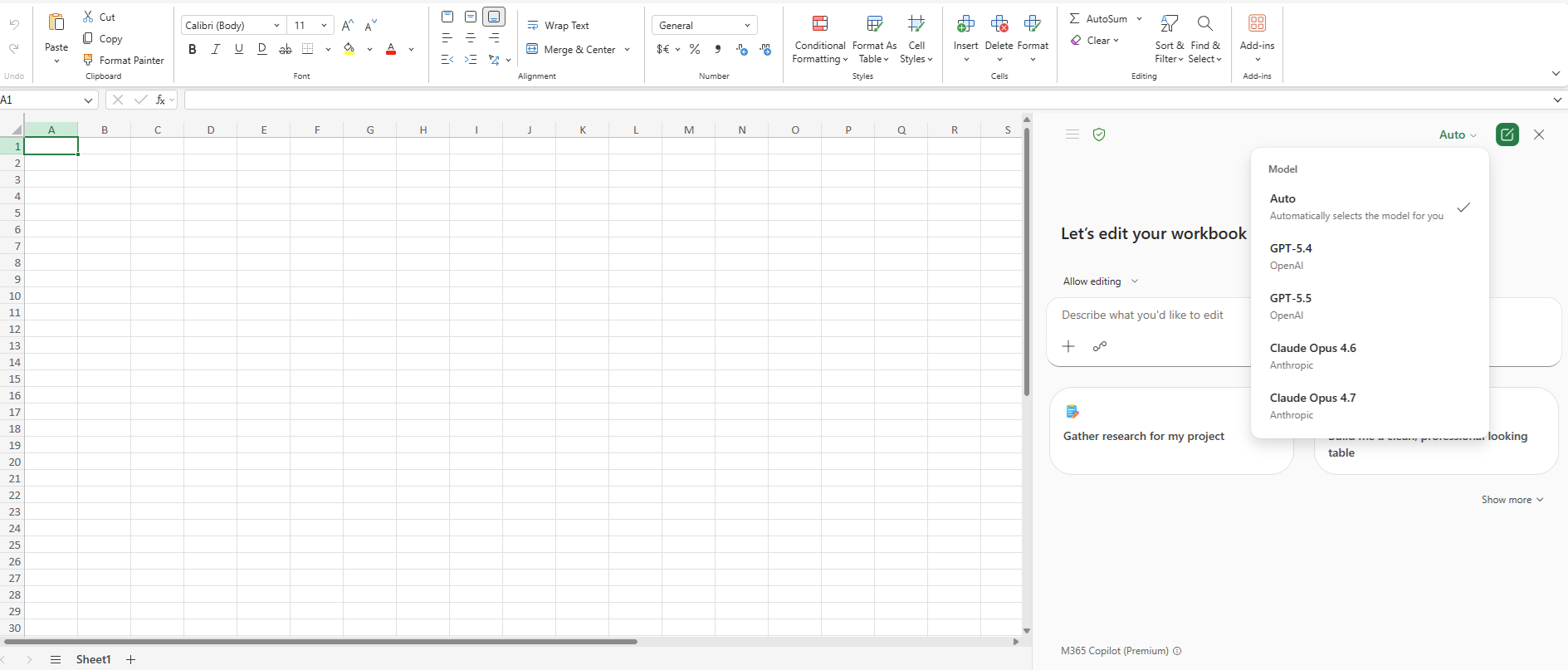
You do not need to use Claude for every task. The addition of Claude to Copilot gives licensed users another supported option when a second version or another angle would be helpful. As with any AI tool, review the output before sharing it or using it for decisions. A different model can give you another starting point, but you are still responsible for the final work.
For university work, use supported tools and follow data guidance. When Claude is used through Microsoft 365 Copilot, it has the same data protections as Copilot. This means it can be used with university internal and public data, and restricted or critical data may be used only with consultation from the Information Security and Policy Office.
If you already have the elevated Microsoft 365 Copilot license, you may see Claude available in supported Copilot experiences. If you do not have the elevated license and think Microsoft 365 Copilot could be useful for your work, contact your local IT support or IT leader to talk through the request process.
Questions about Microsoft 365 Copilot or Claude availability can be sent to the Emerging Technologies team. To keep up with AI updates, training, and supported tools at Iowa, subscribe to the AI at Iowa newsletter and visit the AI Tools page or Iowa AI Hub.