Efforts are high-level groups that represent ITS initiatives like OCIO: Service Support. Each Effort consists of individual Projects.
Add a new Effort
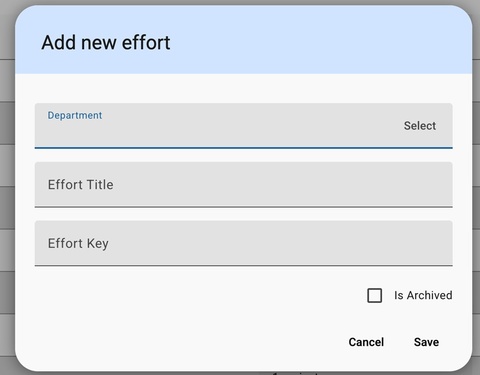
Click on Efforts on top ribbon then select Add New Effort. Fill in the required details of Department, Effort Title, and Effort Key. When finished, select Save.
Add a new Project
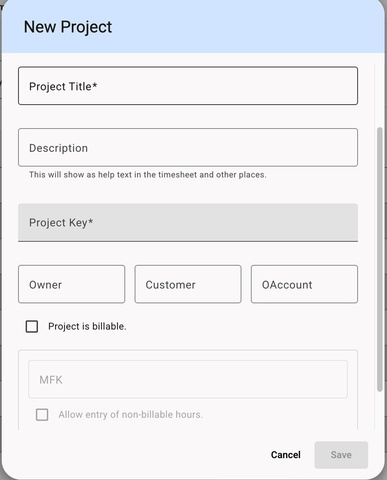
Click on Projects on top ribbon then select Add New Project. Fill in the required details of Project Title, Description, Project Key, Owner, Customer, and Account.
If a project is billable, check the box and fill in the MFK number before saving. For a billable project, there is an option to allow for non-billable hours to be associated with the project.