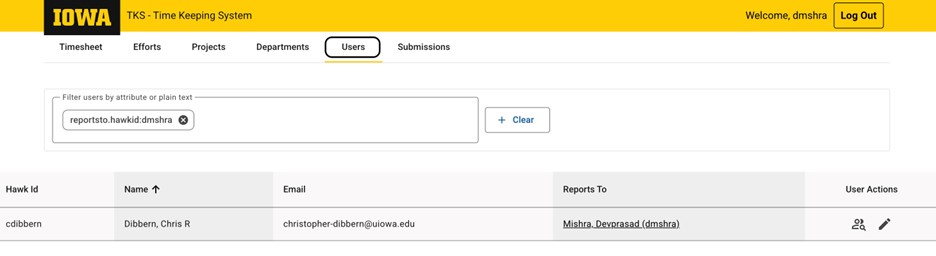
Select Users from top ribbon, it will display list of employees reporting you.
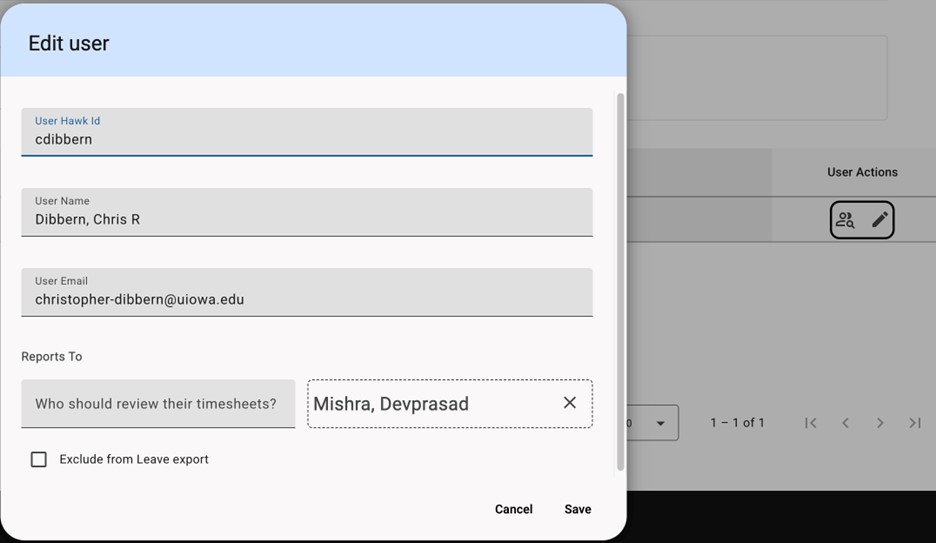
You can edit the user’s details by selecting the pen icon under user action. Details include HawkID, user name, user email, and who the employee reports to/approves their timesheet. There's also a check box to indicate if an employee should be excluded from the leave export.