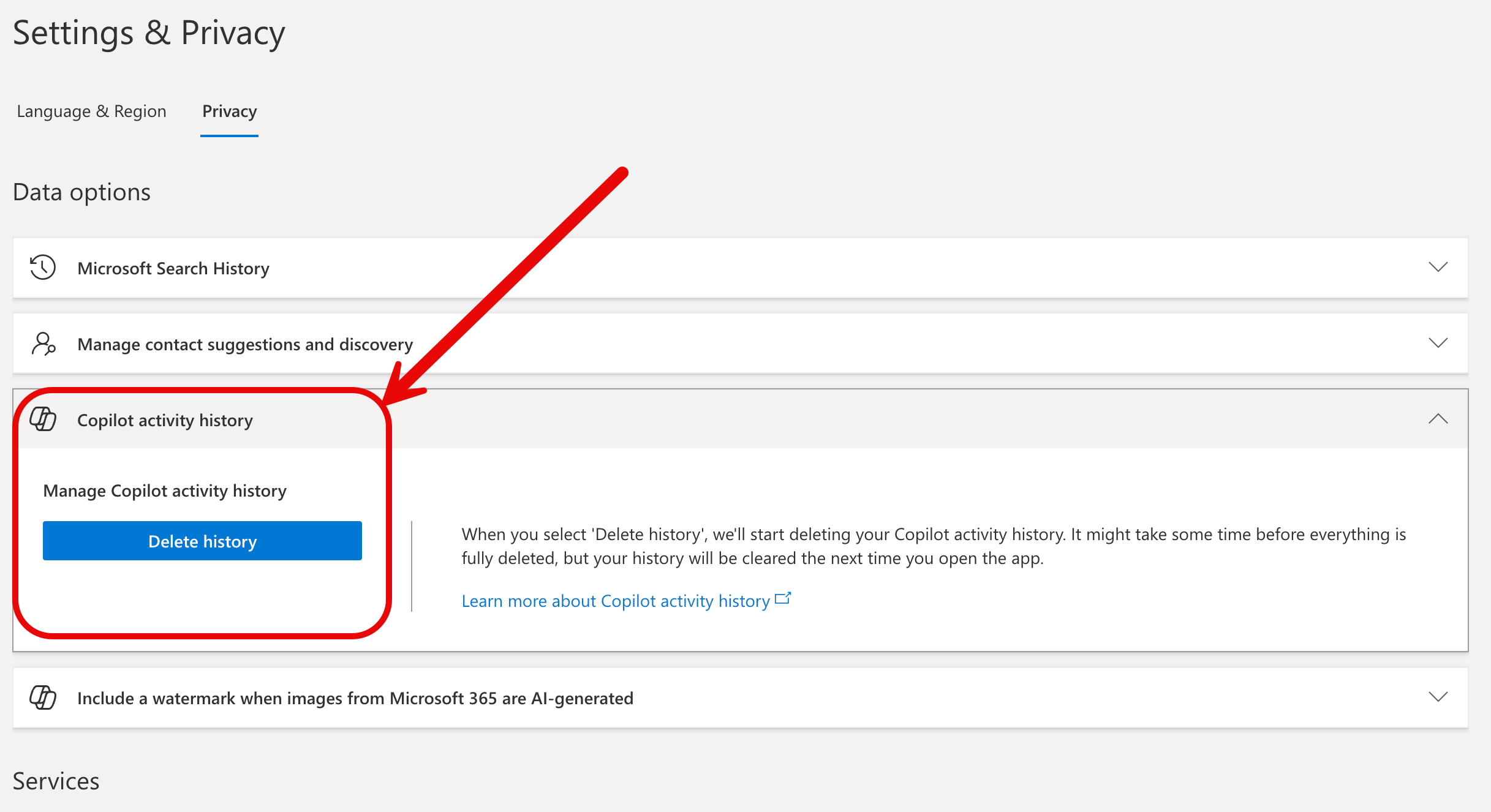
Copilot Chat gives UI students, faculty, and staff access to a generative AI-powered platform with enterprise data protection. Copilot Chat does NOT have access to your Microsoft 365 data such as OneDrive files, Teams data, etc. Although Copilot Chat now remembers the history of what you have previously asked, allowing you to easily reuse prompts, it does not use any data that you submit to train the model that powers the tool.
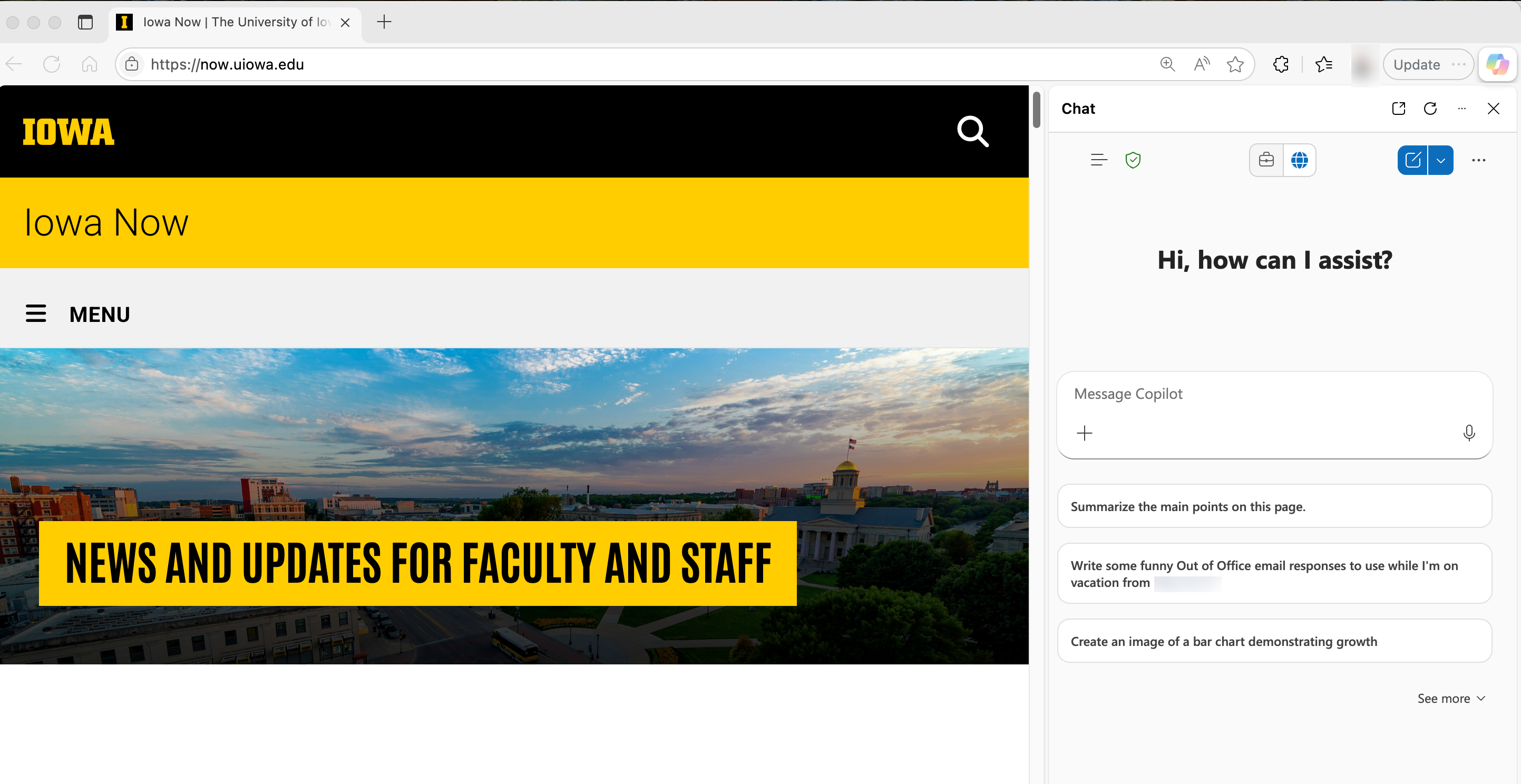
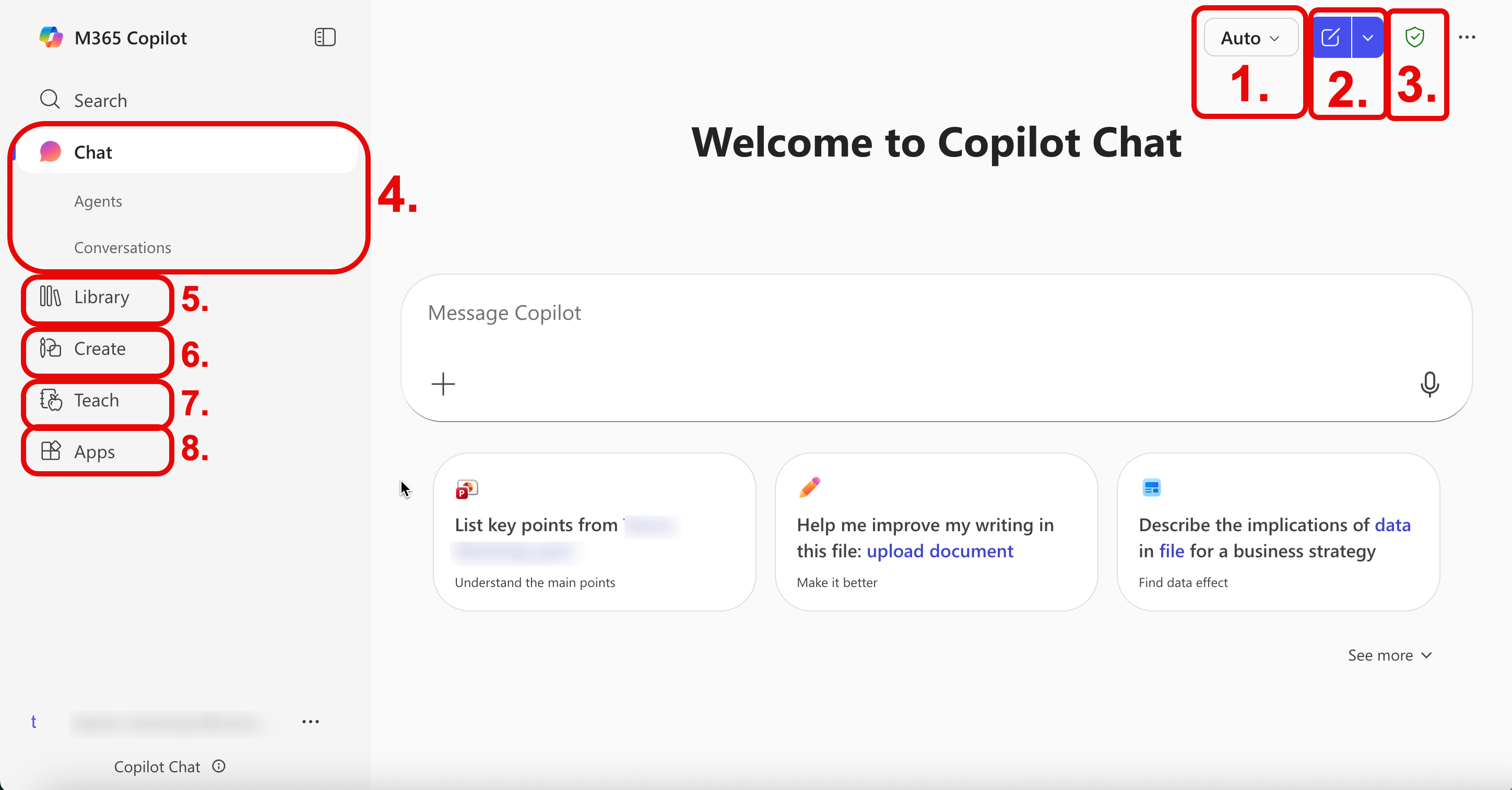
Please Note: Copilot Chat is currently accessible via the Microsoft Edge browser sidebar and through the dedicated Copilot Chat web portal.
Key Features on Copilot Chat
- Copilot Chat Agents: Learn how to create and use Copilot Agents – custom AI assistants that help automate tasks, answer questions, generate visuals, and assist with web-based content. This one-page guide outlines key features and provides step-by-step instructions to help you get started. Click here for more information: Copilot Agents.
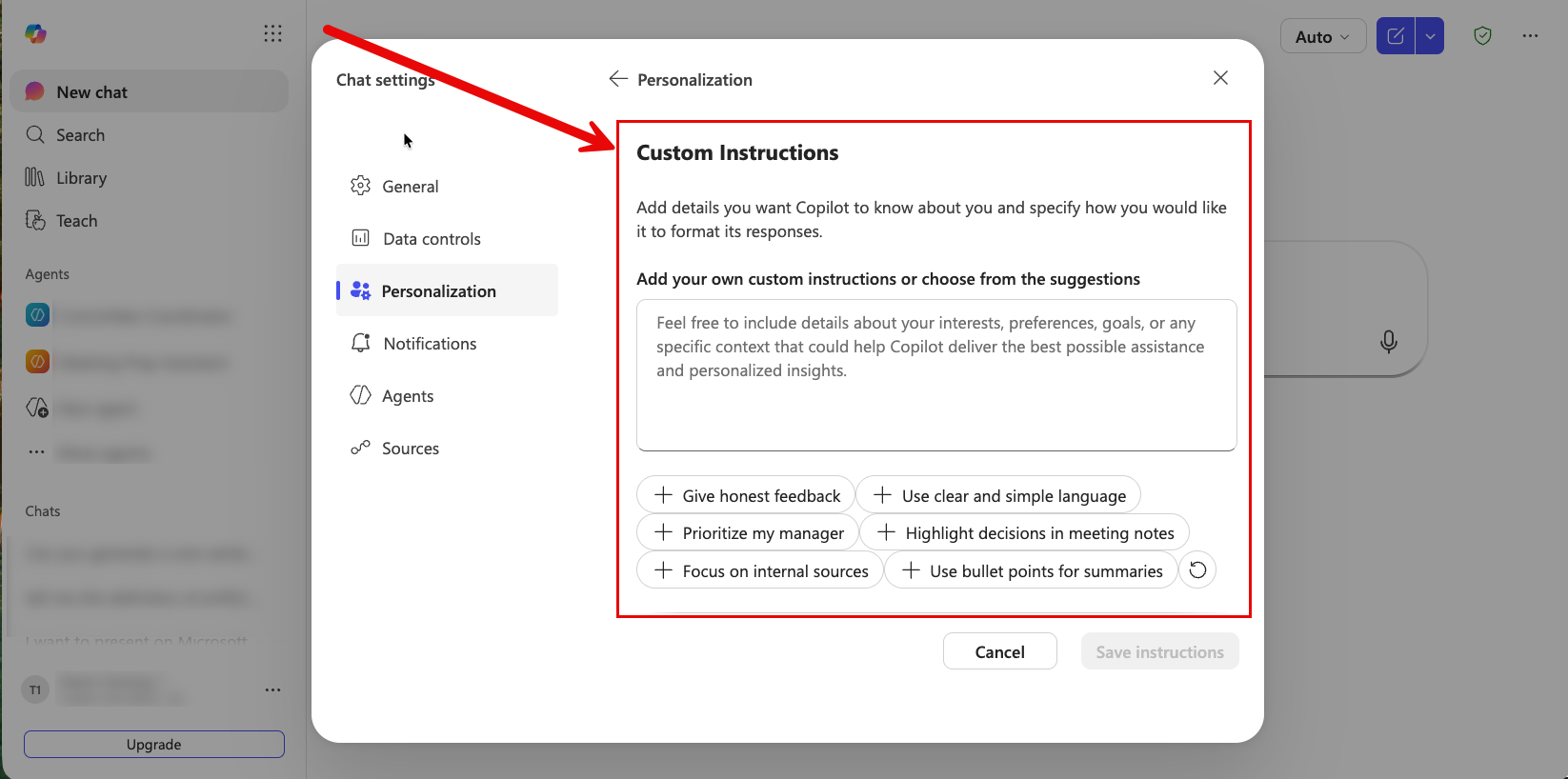
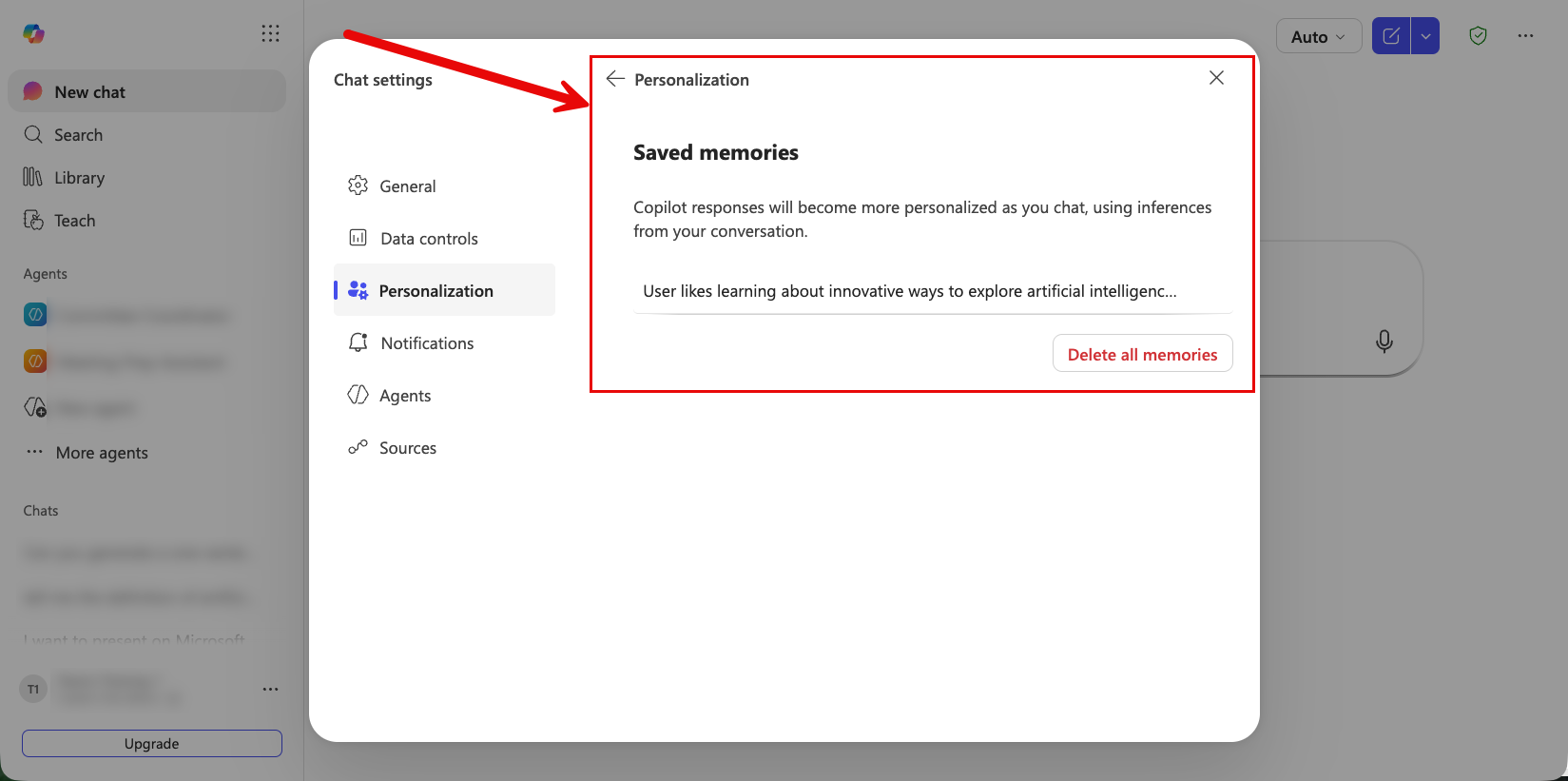
- Copilot Personalization: Copilot offers users the ability to create a more personalized experience through Custom Instructions and Copilot Memory. These features can be managed in Copilot Settings, giving users full control to enable or disable them at any time.