Applications available on the Software Download Site are for use by University of Iowa faculty, staff, and students for use on their personal, non-university managed computers.
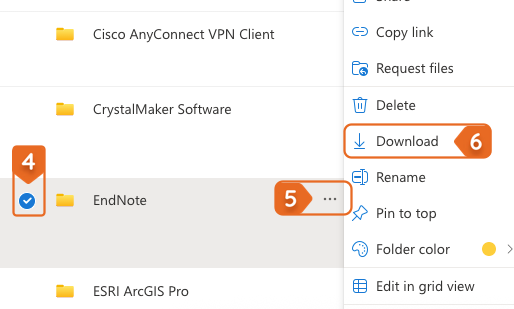
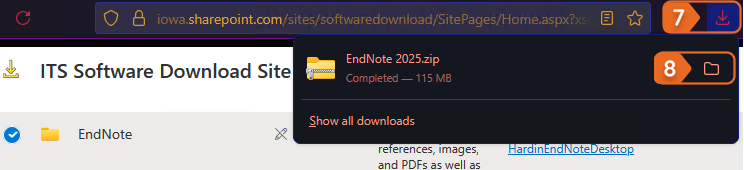
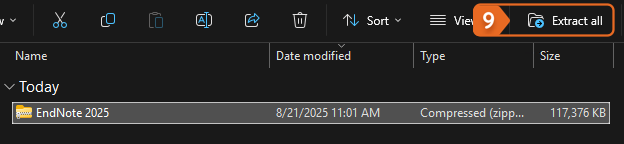
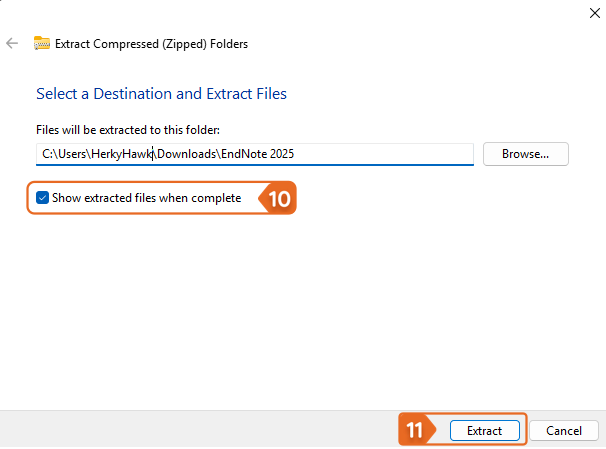
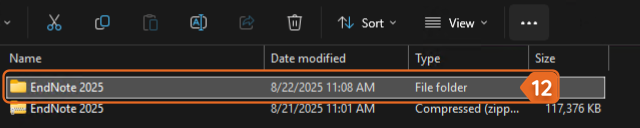
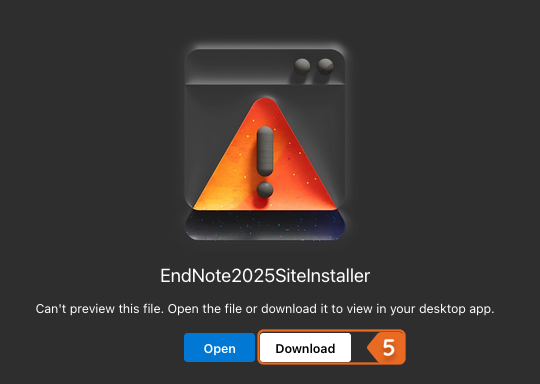
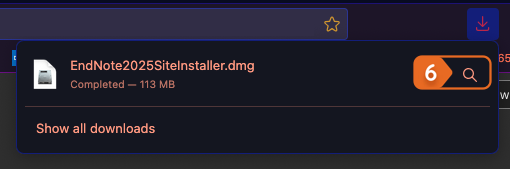
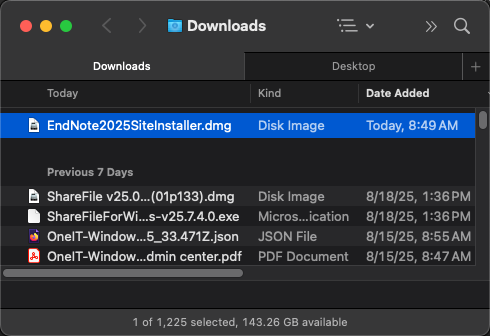
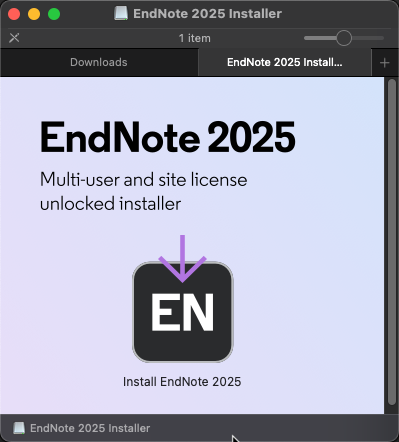
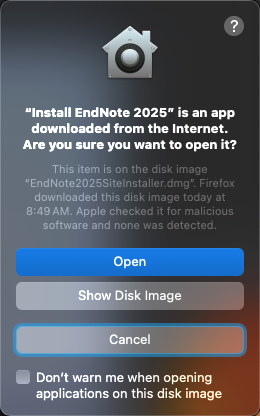
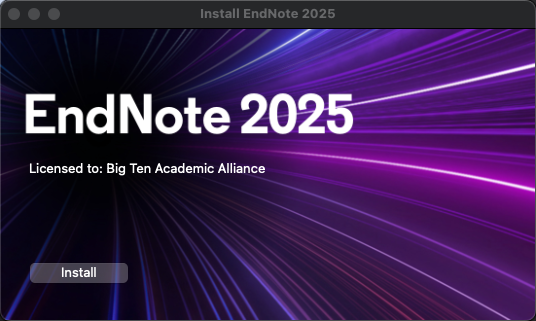
The below step-by-step instructions will guide you through how to use and install software from the Software Download Site, including EndNote. If you have issues during this process, please contact the ITS Help Desk.
Note: If you have a managed UI computer, contact your local IT support consultants or check Windows Software Center or macOS Self Service first as the below may already be available to you.