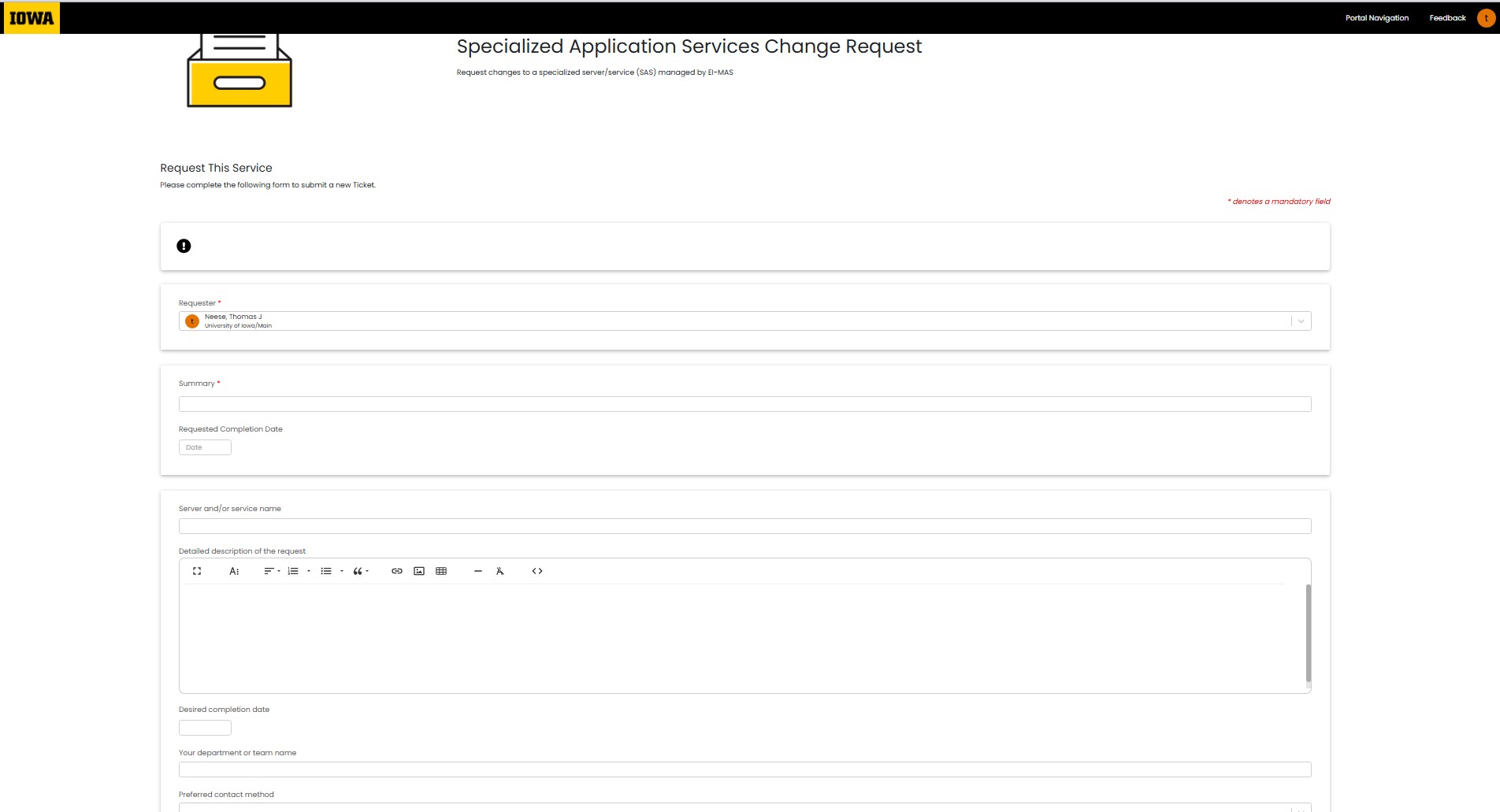
When you have a non-service impacting need for any of your services, please submit a service request ticket to let the ITS-EI-MAS-Flex Sysadmins know what you need.
Submission Process
To submit a Service Request (SR) for a SAS managed system, click on this link to take you directly to the Enterprise Service Center (ESC) where you will need to login with your HawkID to complete your request: https://service.uiowa.edu/portal/service?id=1367. Note: click the following link for more information on the Enterprise Service Center (ESC).
Once your SR is submitted, ITS-EI-MAS-Flex Sysadmins will be notified and will begin the process to complete your request. If you have an urgent need, please follow our incident steps for a Service Outage in Service Outage: Getting Help - SAS Customers.
Examples of Service Requests (SRs) to submit via ESC/Halo
- Security and/or Resource Adjustments: I need to have something changed on my system. Things are working, but I'd like to get this change done
- Someone needs access
- Need more disk space
- Wants more RAM
- Additional CPU(s)
- NT Service control
- Disruption of Service Inquiry: We had a problem but things are OK now. Can you tell me what might have happened?
- Had a performance issue
- Couldn't connect to…
- System Planning and Maintenance: We are thinking about installing/upgrading/changing our application and I'd like to discuss it with you
- The vendor wants to…
- The developers need to…
- I need to schedule a time to do…. on our system
- Additional coordination about an upcoming EI/SAS change
Screenshot of the Service Request (SR) form to complete on the Enterprise Service Center Portal